

Tag: solution

Easy Wire Fixes for Common Smart Home Wiring Issues
Smart homes are meant to make life easier—but when the wiring behind your smart lights, switches, sensors, and hubs starts acting up, it can feel like anything but smart. Loose wires, overloaded connections, and mystery malfunctions are common headaches in even the most modern setups. Fortunately, most of these issues don’t require tearing down walls or hiring an electrician. With a few simple tricks, you can fix the most common wiring problems and get your smart home running smoothly again.
Tangled Wires Behind Smart Switches
One of the most common trouble spots is behind smart light switches. As more devices get packed into the same junction box, things get tight—fast. If you’re dealing with a cluttered mess every time you remove the faceplate, it’s time for an easy fix for messy wiring: try using shorter leads and push-in connectors instead of traditional wire nuts. These compact solutions take up less space and reduce the chances of wires coming loose when you’re tucking them back into the box.

Devices Not Getting Power
When a smart device won’t power on, it’s easy to assume it’s defective—but many times, it’s just a wiring issue. For hardwired devices like thermostats, doorbells, or ceiling lights, check for loose connections or backstabbed wires that have worked their way out of place. Re-terminating the wire with a screw clamp or using a more secure connector often solves the problem. Also, double-check if a neutral wire is required, especially with older homes, which may lack one in certain switch boxes.
Wi-Fi Signal Drop Caused by Metal Electrical Boxes
Smart switches and plugs can sometimes struggle with Wi-Fi signal strength, especially when installed in older metal boxes. These can interfere with wireless communication, leading to devices that drop offline or fail to sync. Swapping in plastic boxes, or relocating hubs slightly closer to affected devices, can often improve signal quality without a major overhaul. Mesh Wi-Fi systems are also a great workaround for homes with signal-blocking structures.
Bulky Wire Nuts in Tight Spaces
Wire nuts are a staple of home wiring, but they’re not always ideal for the tight spaces behind wall-mounted smart devices. If you’re struggling to fit everything into the box, consider switching to lever-style connectors or push-fit terminals. These are more compact and provide a secure, consistent connection with less effort. Just make sure they’re rated for the wire gauge and current of your setup.
Flickering Smart Lights
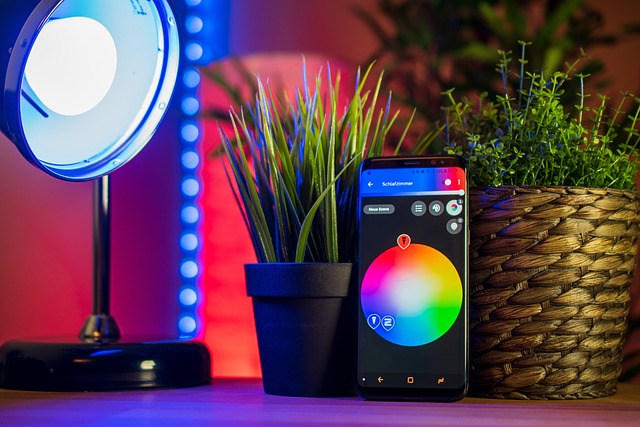
If your smart bulbs are flickering or behaving unpredictably, there’s a good chance it’s a compatibility issue with your switch. Some smart bulbs don’t play well with dimmer switches, even when they claim to be dimmable. The simplest solution is to bypass the physical dimmer and control brightness through the app instead. If you must have a wall dimmer, choose one that’s specifically rated for use with smart LEDs.
Confusing Wire Labels and Colors
Wiring standards can vary depending on your home’s age and past renovations. That means the red wire might not always be what you think it is. Using a voltage tester and labeling your wires before making changes can prevent a lot of confusion (and frustration). Some smart devices come with stickers or guides—use them! And if you’re not sure, take a picture of the original setup before making changes so you have a reference point later. A well-functioning smart home doesn’t just rely on fancy tech—it needs solid wiring behind the scenes. Most common issues can be fixed with a little patience, the right tools, and some attention to detail. Whether you’re organizing a crowded switch box or troubleshooting a device that won’t turn on, these easy wire fixes can help keep your smart home running as reliably as it should.